The Rundown AI / Guides / General / Use This Hidden Feature To Make Your Notion Agents Autonomous
Use This Hidden Feature To Make Your Notion Agents Autonomous

Use This Hidden Feature To Make Your Notion Agents Autonomous

Try Text

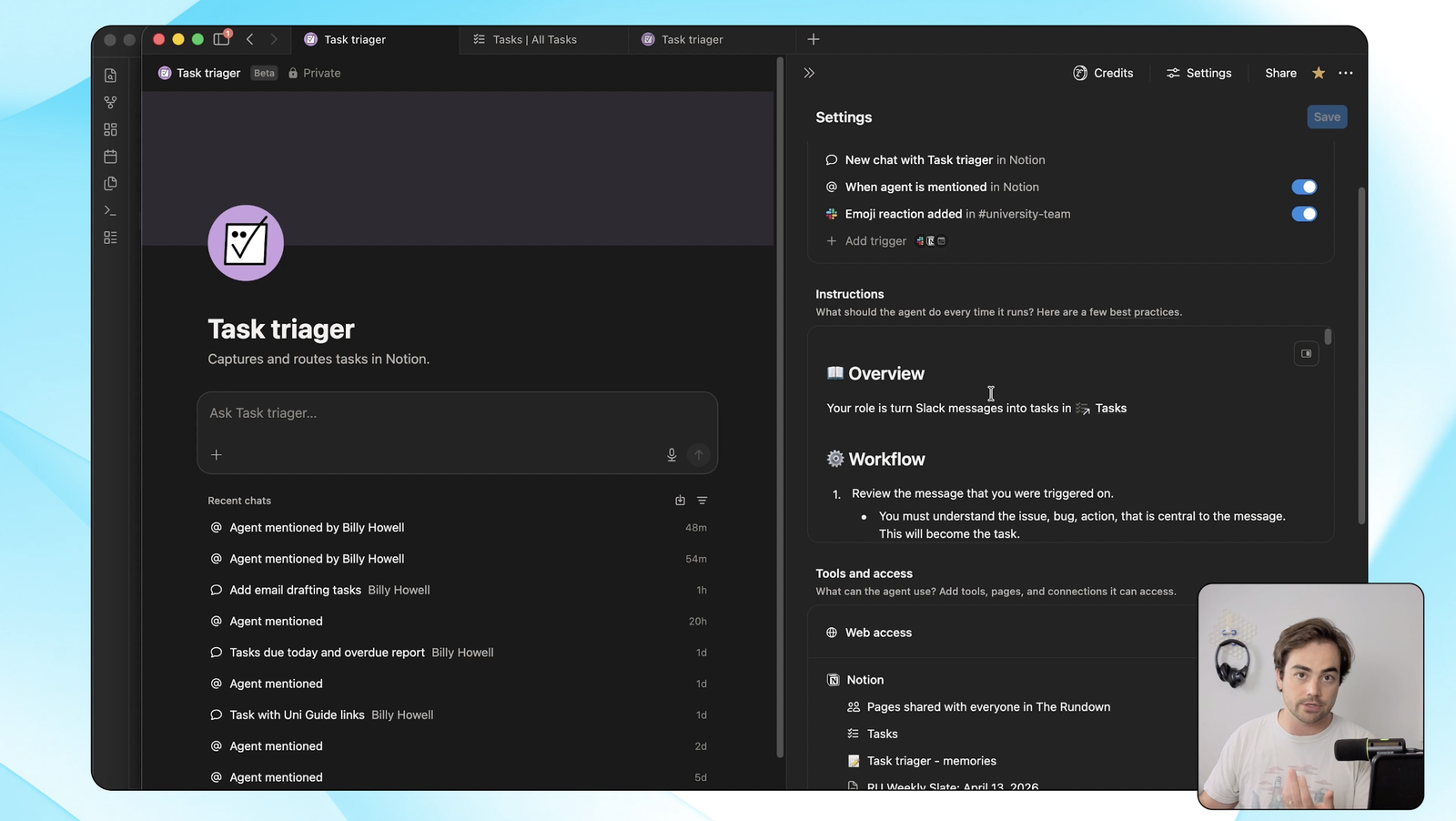
The Rundown In this guide, you will learn a hidden workflow that will make your Notion Agents more autonomous and powerful than they are by default. This lets you wake up any agent, give it tasks and then get a report on what it did. Who This Is Useful For Operators and founders  already running custom Notion agents who hit the wall of the built-in agent schedule Anyone with a tasks-and-reports system in Notion  who wants daily summaries, planning pages, or recurring checks running on autopilot Teams trying to make Notion agents reliable  without cramming every possible job into one giant set of standing instructions What You Will Build You will build a recurring database template that creates a new page on a schedule, auto-dates the title, tags your agent, and gives it the exact job to run that morning. In our setup, that template is a daily summary that runs every weekday at 7 a.m. and writes a recap of completed tasks, new content, and what other agents did overnight. What You Need A Notion workspace with a business plan or higher One database where the recurring pages should live (we used a Reports database) Step 1 Create the Agent Look for  Agents  in the sidebar and create a custom agent if you don't have one. Pro tip:  You will see a schedule-based trigger here on the agent itself. The problem is that it wakes the agent and runs the same system instructions every time, which falls apart for any agent that does more than one job. Step 2 Open the Reports Database Open the database where the recurring pages should live. Ours is simply called Reports. Each daily run creates one new page in this database, which gives you a clean, auditable history of every agent run. If you don't have one yet, build one. Two columns is enough to start: a title and a status. Step 3 Make a New Template Called Daily Summary @Today In the database, click the  New  dropdown in the top right and open  Templates . Create a new template and name it  Daily Summary @Today . The  @Today  makes every duplicate inherit the current date in the title, so you never have to rename anything. Step 4 Pre-Wire the Template Inside the template, do three things: set the properties you want pre-filled (agent, task type, status) write the actual job in the page body @  mention the agent so the duplicate triggers it A clean prompt to drop into the page body: Hey @[your-agent], write a daily debrief for me. - 2-sentence recap up top - bullet points by section - pull completed tasks from @[tasks-database] - summarize new content created today - roll up reports written by other Notion agents Keep it short and skimmable. Pro tip:  When you  @  mention the agent inside the new template, open the agent and stop it. Otherwise it triggers right then on the half-built template and overwrites it. Step 5 Set the Template to Recur From the template, click  New template , then  Duplicate , then pick a cadence. We run ours every weekday at 7 a.m. The small blue recurring icon next to the template name is how you confirm it's live. If you don't see it, the schedule didn't save. Going Further Once one template works, the same pattern handles daily debriefs, weekly reports, and email automations. Now you can route them all through the same planning agent instead of building a new one every time you find a new recurring task.

Save 15% on Thoughtly by joining The Runway University

Through our vast network of over 100 partnerships with major AI companies, we also offer University members free access or major discounts to the many popular AI tools along with AI certified courses, daily guides on AI tools and many more.

Tools

No items found.

AI training for the future of work.

Get access to all our AI certificate courses, hundreds of real-world AI use cases, live expert-led workshops, an exclusive network of AI early adopters, and more.
General

Business Operations