Use Perplexity as Your Personal Shopper (Perplexity Computer Walkthrough)
Try Text
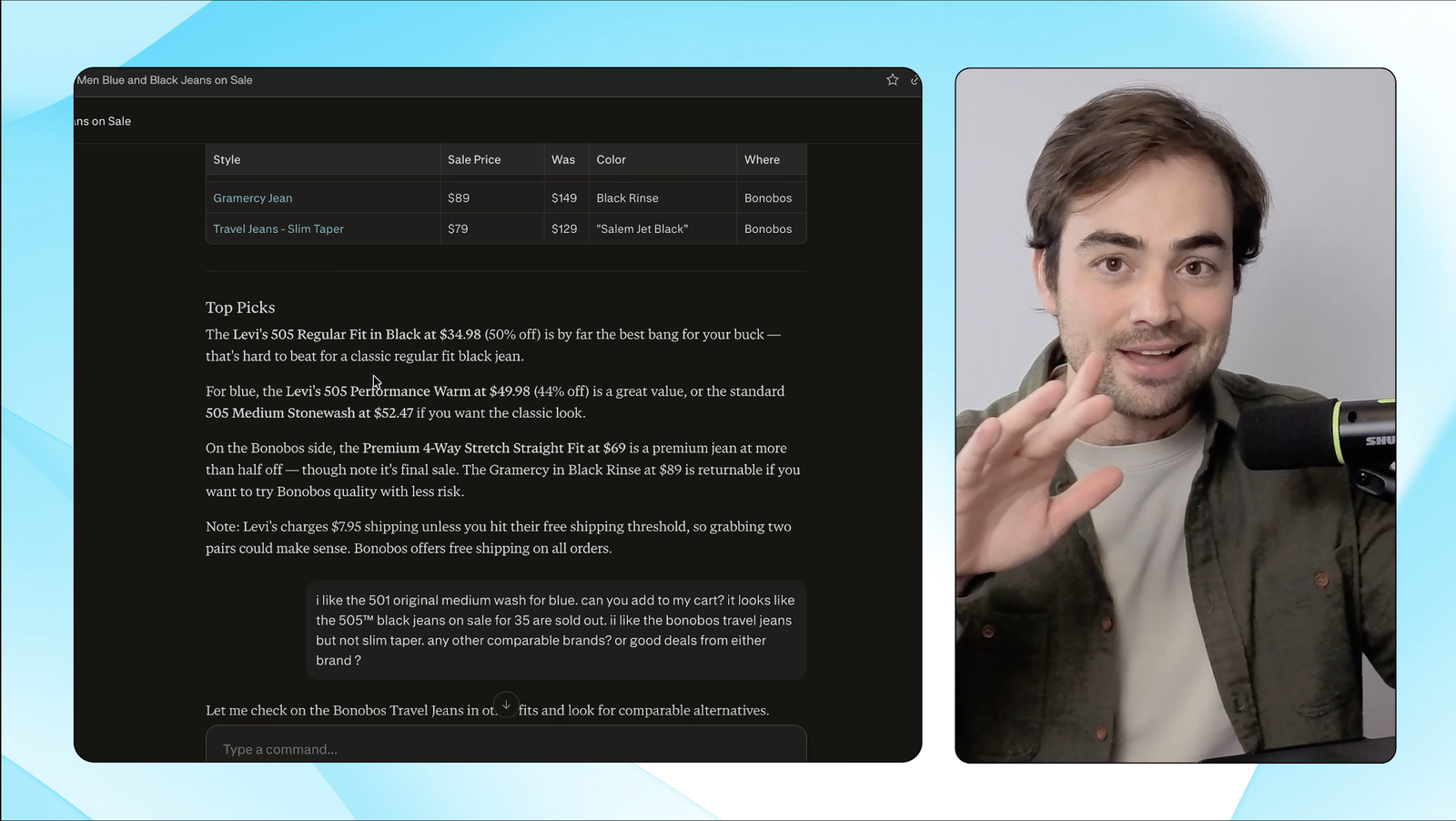
The Rundown In this guide, you will learn how to use Perplexity's new agent search feature to shop for you, find items in stock in your size, and save a ton of time. Note: normally, Perplexity Computer is only for Max accounts, but if you have a Perplexity Pro account you can test it with free credits right now. Who This Is Useful For Busy shoppers who want help narrowing products by size, color, fit, or brand without clicking through a dozen dead ends Perplexity Pro users who have bonus Computer credits and want a concrete test before deciding whether it is worth spending more Anyone who is overwhelmed by the plethora of products and shopping websites on the internet. What You Will Build A detailed shopping report like this with links to the best deals. What You Need to Get Started A Perplexity Pro account The Perplexity or Comet app (optional) A difficult shopping decision with lots of potential options! Step 1 Open Perplexity in the app or in your browser and look for the Perplexity Computer toggle. We tested the same shopping query side by side in regular Perplexity and Perplexity Computer. Regular Perplexity Assistant is fine for a quick search but nowhere near as thorough as Computer. Step 2 Do not complicate the prompt. Keep it simple and give it the few things it actually needs: Use a prompt like this: *Help me shop for [item type].* *I want:* *brand preferences: [brand or "no preference"]* *cosmetic style: [clean / modern / minimal / bold / etc.]* *sizing: [size]* *Give me:* *The best overall options* *The best budget option* *Items that are actually in stock in my size* *Direct links to buy* That is enough to get good results. If you want to add color or budget, you can, but you do not need to write a giant prompt. Pro tip: Ask Perplexity to "find you a deal" and it's smart enough to look for sales and discounts. One thing I like about Perplexity is that it acts like a real search query. If you give it two brands, it sticks to those two brands instead of wandering all over the place. Pro tip: Before you spend Computer credits, run the same shopping question in regular Perplexity Assistant so you can see the difference! Step 3 Use your credits wisely. Perplexity Computer uses credits. Regular Perplexity search does not. If you want to save a little on tokens, switch the model to Claude Sonnet for the first pass. Then use Perplexity Computer when you are ready to do the real shopping work. If you end up using this a lot, you can upgrade to Max or buy more tokens a la carte. To stretch your tokens further, you can take your shopping hit list into a regular session in Perplexity's web browser Comet . It can control your browser and do some more, albeit slower research for you. Pro tip: Perplexity shopping has an "Instant Buy" feature where you enter your address and your credit card, and it will use it to check out for you. As of when this guide released, it was only available for specific retailers that had opted in. Step 4 Try ordering through the Comet or Perplexity app. You should see your order being tracked in the "Orders" tab. Make sure you connect your Gmail too. Going Further You can tell Perplexity computer to set up scheduled tasks for you. You could use this to monitor item prices and new listings each day or week. These should not use your Perplexity Computer tokens.
Tools

AI training for the future of work.
Get access to all our AI certificate courses, hundreds of real-world AI use cases, live expert-led workshops, an exclusive network of AI early adopters, and more.