Our Claude Cowork System for Video Clipping and editing
Try Text
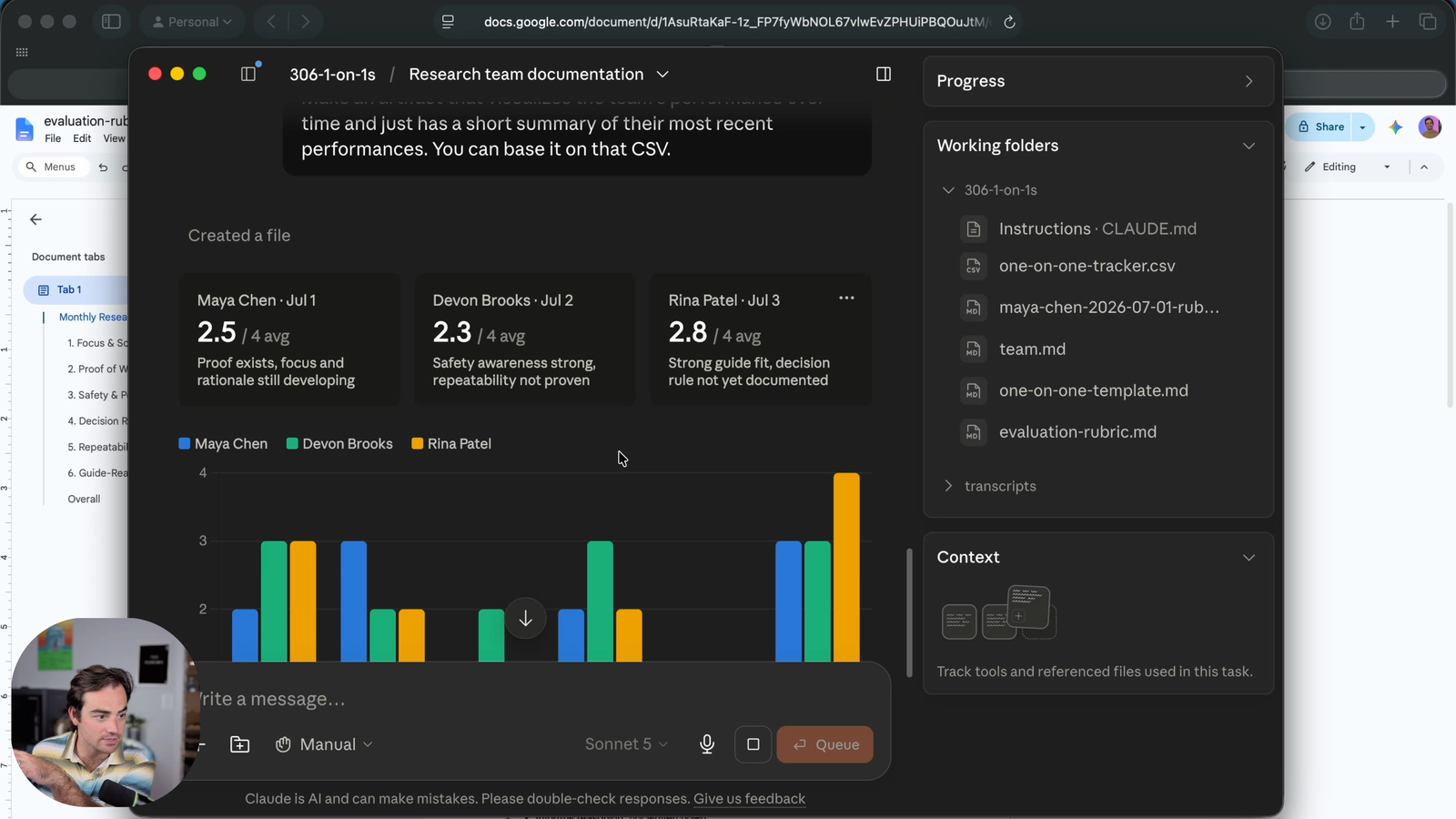
The Rundown In this guide you will learn how to use Claude Cowork to replace your expensive video clipping tools. Just download our prompt files, open Claude and generate your first clips in under 5 minutes. Who This Is Useful For Social media marketers Podcasters and video editors Anyone with lots of longform videos sitting on their hard drive What You Will Build What You Need to Get Started Claude Pro plan or higher A video + transcript with timestamps (examples attached) Our prompt files (also attached) Step 1 Create a folder and add: Our prompt files The video file The video transcript Step 2 Open the Claude app on your computer and select the “Cowork” tab. Click the folder icon and select your new folder. Step 3 Tell Claude: Read the main SOP and scaffold our directory as described. Then find me 10 scroll-stopping clip ideas to review. Claude will create a clip-review.md file where you can review each clip idea. Step 4 Tell Claude which clips you want generated: “Generate clip 1, 4 and 6.” You should see them appear in the /clips subfolder. Follow-up commands to try out: **Combine: “**Combine clips 4 and 5.” **Crop: “**Crop clip 1 into a vertical video.” **Cut: “**Cut 00:08:00:15 from clip 3.” **Mute: “**Mute clip 5.” Going Further It can be time consuming to generate video transcripts via online tools. And they usually aren’t very accurate. Here’s how you can create your own transcriptions using Claude Code. It runs locally on your computer and it’s free! Install openai-whisper with pip install -U openai-whisper (pip3 if on Mac) Open Claude Code Prompt: Use openai_whisper to transcribe this video into a .srt file with timestamps.
Tools

AI training for the future of work.
Get access to all our AI certificate courses, hundreds of real-world AI use cases, live expert-led workshops, an exclusive network of AI early adopters, and more.