The Rundown AI / Guides / General / How To Automate Your Chrome Browser With Gemini
How To Automate Your Chrome Browser With Gemini

How To Automate Your Chrome Browser With Gemini

Try Text

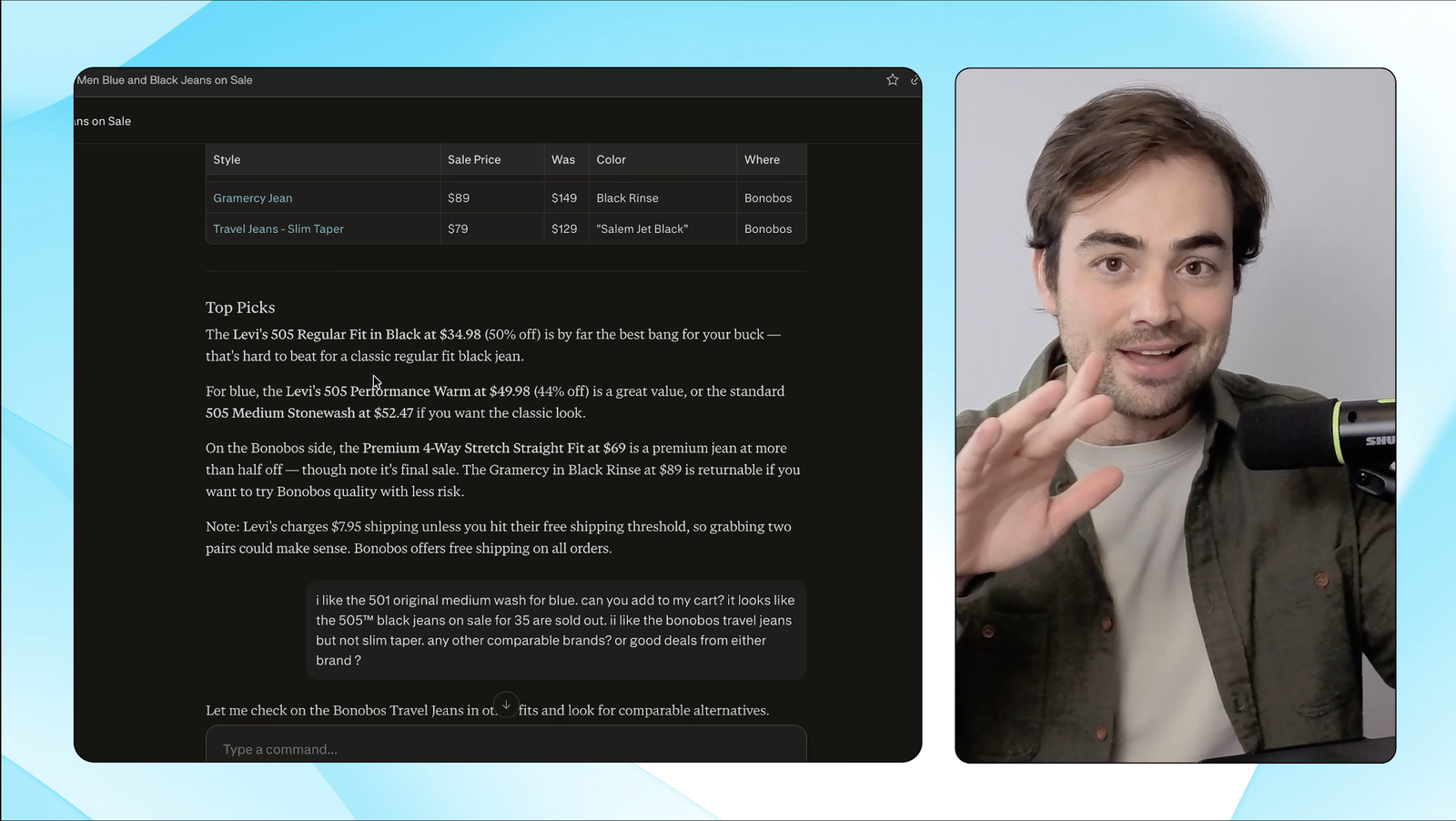
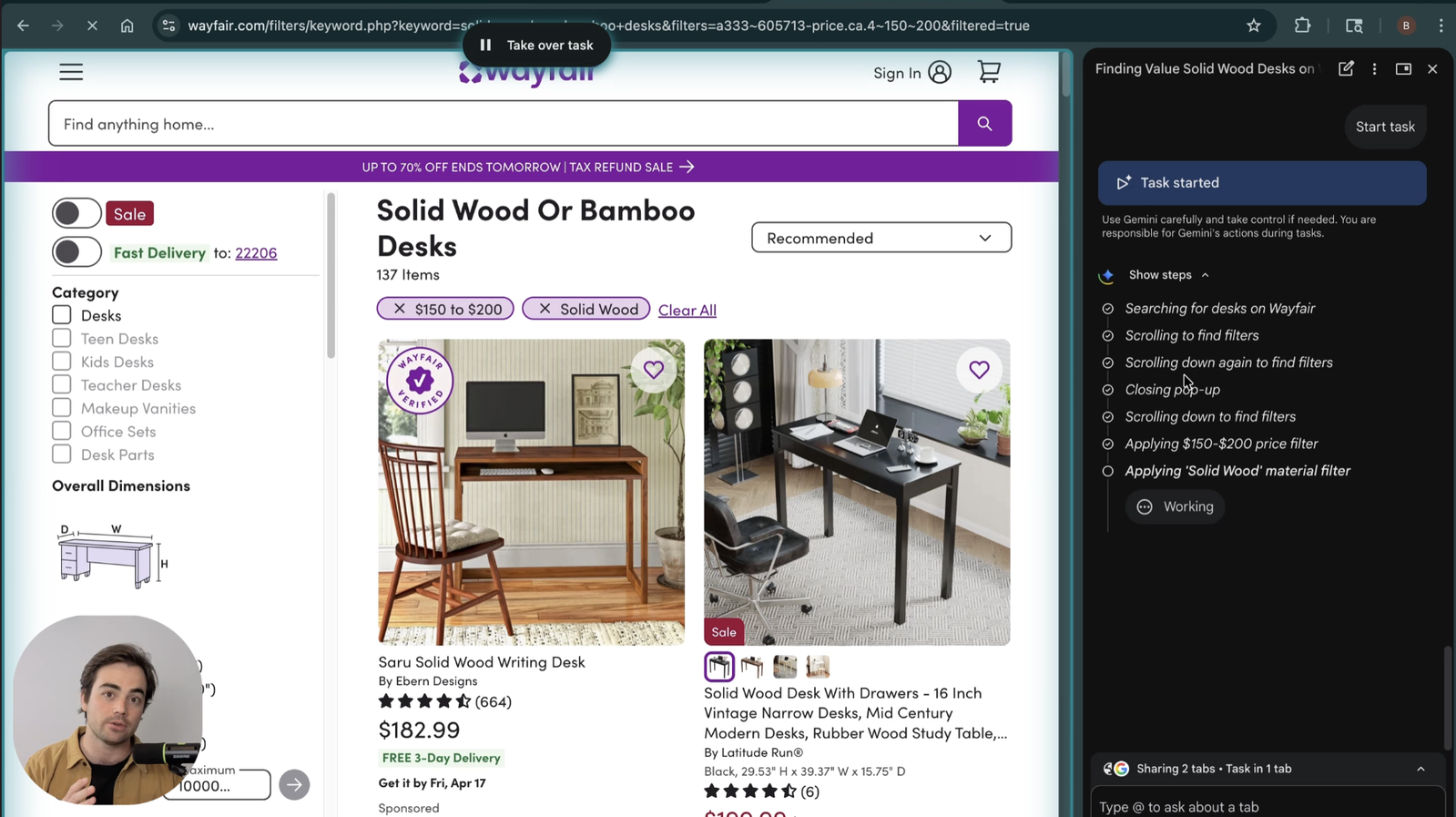
The Rundown In this guide, you will learn how to turn on and use our favorite Gemini in Chrome features. If you have Google AI Pro, you will learn how to turn on and use Chrome automations. Who This Is Useful For Shoppers and researchers  who already keep too many tabs open and want Gemini to compare them fast Operators and assistants  who want a quicker way to summarize options without copying links into a separate chat Anyone curious about browser agents  who wants to start with the safer Gemini in Chrome features before turning on full automation What You Will Build You will build a simple Chrome workflow for comparing open tabs inside Gemini, then optionally upgrade it into a browser automation workflow if you have Google AI Pro. The goal is not to let Gemini run wild in your browser. The goal is to make product research faster and keep the risky parts under your control. What You Need to Get Started Chrome desktop app A personal Gmail account Optional:  Google AI Pro  ($20/month) Step 1 Turn On the Gemini in Chrome Settings In Chrome, click the  three dots  in the top right, then go to  Settings  >  AI Innovations  >  Gemini in Chrome . Turn on these two settings first: Show Gemini at the top of the browser Share current tab with Gemini If you have Google AI Pro, also turn on: Let Gemini browse for you That last toggle is what unlocks browser automation. The first two are the ones most people should start with. Step 2 Open the Tabs You Want Gemini to Compare Open a few tabs on the same topic. We tested this with three standing desks, each on its own product page. This works best when the tabs are clearly comparable. Products, pricing pages, hotel options, or software plans are all good examples. The less cleanup Gemini has to do, the better the answer will be. Step 3 Attach the Tabs Click  Gemini  at the top of Chrome to open the side panel. In the message box, type  @  and attach each tab you want Gemini to use. Then prompt it: Compare these desks and tell me which one has the best features for the best price. This is the easy version of browser automation. Gemini is not roaming the web on its own. You are giving it the exact tabs to work from. We had Gemini extract and compare several tabs of recipes. Then, using Chrome automation it found more recipes to recommend to us. Step 4 Let Gemini Pick the Best Option Gemini will compare the tabs and give you a recommendation. This works even without Google AI Pro because you are sharing the tabs directly. If the answer is too vague, ask one follow-up like: Now rank them from best to worst and explain the tradeoffs. Step 5 If You Have Google AI Pro, Turn On Chrome Automation If you have Google AI Pro and the toggle is available, you can go one step further. Ask Gemini to browse for a better option for you. Use a prompt like this: Find me 5 cheaper standing desks with these same features. Use browser automation. Gemini will send you a plan first. Read that plan carefully before you approve it. Going Further With Google AI Pro, Gemini can even sign in to your accounts using saved Chrome passwords. That makes it more powerful, but it also makes the review step more important. The safest way to use this feature is simple. Use tab sharing for low-risk comparison tasks. Then use browser automation for the repetitive parts only, with clear stop instructions anytime money, forms, scheduling, or messages are involved.

Save 15% on Thoughtly by joining The Runway University

Through our vast network of over 100 partnerships with major AI companies, we also offer University members free access or major discounts to the many popular AI tools along with AI certified courses, daily guides on AI tools and many more.

Tools

No items found.

AI training for the future of work.

Get access to all our AI certificate courses, hundreds of real-world AI use cases, live expert-led workshops, an exclusive network of AI early adopters, and more.

General