The Rundown AI / Guides / General / Want To Create Skills in ChatGPT? Use This Workaround (Codex Guide)
Want To Create Skills in ChatGPT? Use This Workaround (Codex Guide)

Want To Create Skills in ChatGPT? Use This Workaround (Codex Guide)

Try Text

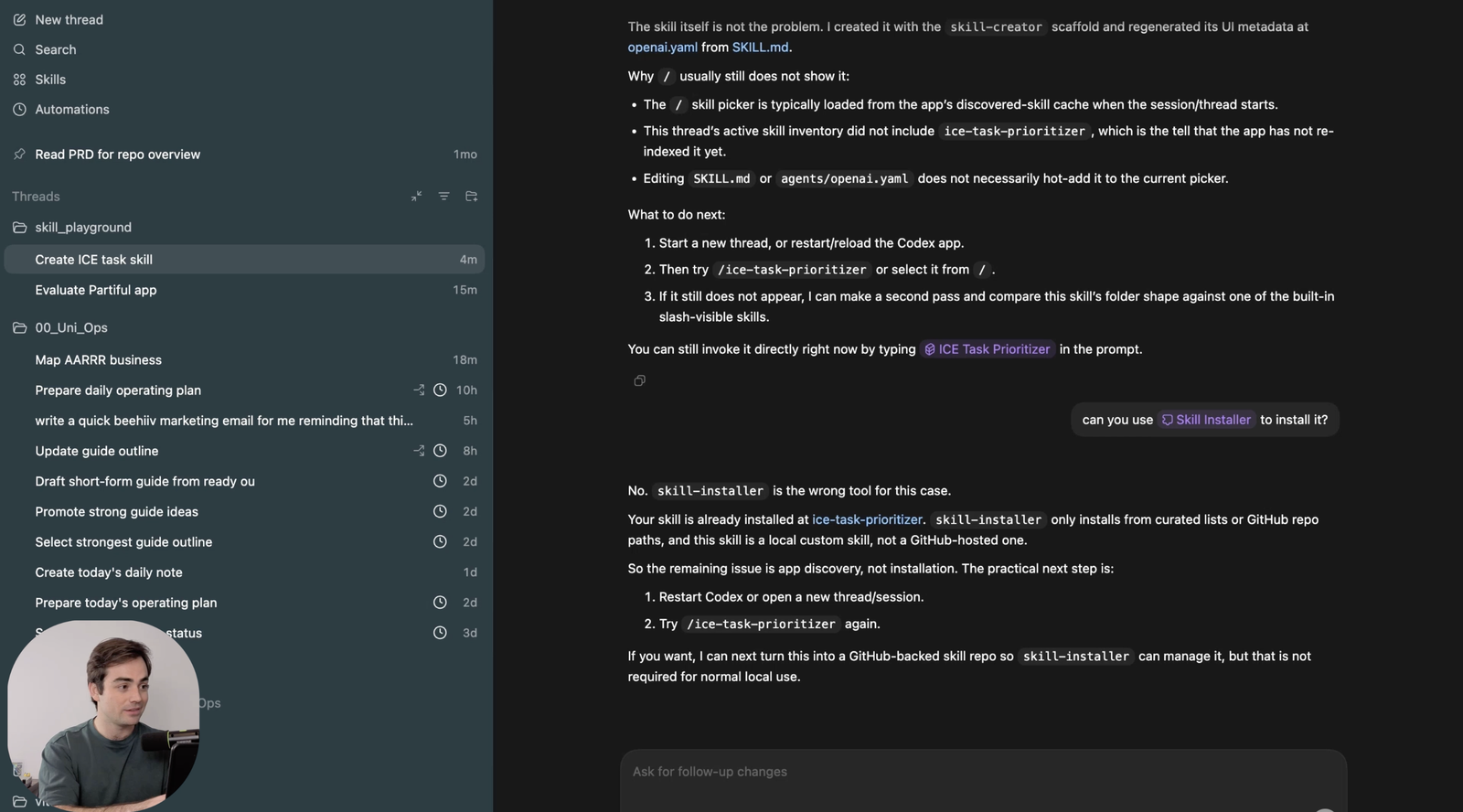
The Rundown In this guide, you will learn how to get repeatable "skill"-style workflows to work with your ChatGPT subscription. The workaround is to use the Codex desktop app as a skills playground, create a reusable skill there, and then run it on demand for the same kind of output every time. Who This Is Useful For ChatGPT users who want to build repeatable workflows without using custom GPTs Anyone with a ChatGPT Plus or higher plan Anyone curious about Codex but intimidated by coding and looking for a practical first use case What You Will Build A “Skills Playground” folder that you can use with the Codex app to create repeatable, structured skills for common ChatGPT workflows. You will build a reusable skill inside Codex that you can call with  /  whenever you want to run the same framework or workflow again. What You Need to Get Started A ChatGPT Plus or higher plan A Windows or Mac computer One repeatable workflow you want to turn into a reusable skill Step 1 If you've got a ChatGPT subscription, you're probably doing repetitive workflows. But you can't create re-usable skills in the ChatGPT app. Instead, download the  Codex desktop app  and use it as your skills playground. This gives you a fast way to create reusable skills for structured tasks. If you are new to Codex, this is also a good first project because you do not need to know how to code to get value from it. Also, if you're paying for ChatGPT Plus or higher, you're already paying for access to Codex. Step 2 Open the Codex desktop app and click  Add a new project ( CMD + o ). From there, either create a new folder or select an existing one. Name it "skills-playground". A dedicated folder is the cleanest setup because it gives you one place to keep the skills you use over and over. Step 3 Start a new thread in that project and describe the skill you want Codex to make. One example: Make me a skill to use the AARR framework to evaluate existing startups or business ideas. Type  /skill creator  first so Codex uses the skill creation flow directly. And you can specify whether it should be a global skill that can be used in any folder, or one just for this project folder. Pro tip: Use existing frameworks like AARR, ICE, etc. for research and analysis skills. Step 4 Sometimes the new skill will not appear immediately when you type  / . Just quit the app ( CMD + Q ) and reopen it. You should see it now when you type  /  and scroll down or type the skill name out. There you go! Now you know how to create and trigger your very own skills. No coding required. Going Further Once you have one skill working, don't stop there. Build a small library of repeatable workflows around the ChatGPT tasks you do most often. You can keep them all in one playground folder, or break them into separate folders if you want cleaner separation by project. Remember, you don't have to go crazy coding out large automation chains. Turning basic, repetitive research and analysis tasks will save you time in the long run.

Save 15% on Thoughtly by joining The Runway University

Through our vast network of over 100 partnerships with major AI companies, we also offer University members free access or major discounts to the many popular AI tools along with AI certified courses, daily guides on AI tools and many more.

Tools

No items found.

AI training for the future of work.

Get access to all our AI certificate courses, hundreds of real-world AI use cases, live expert-led workshops, an exclusive network of AI early adopters, and more.

General