Use Nano Banana Pro to create a batch of product images for your brand
Try Text
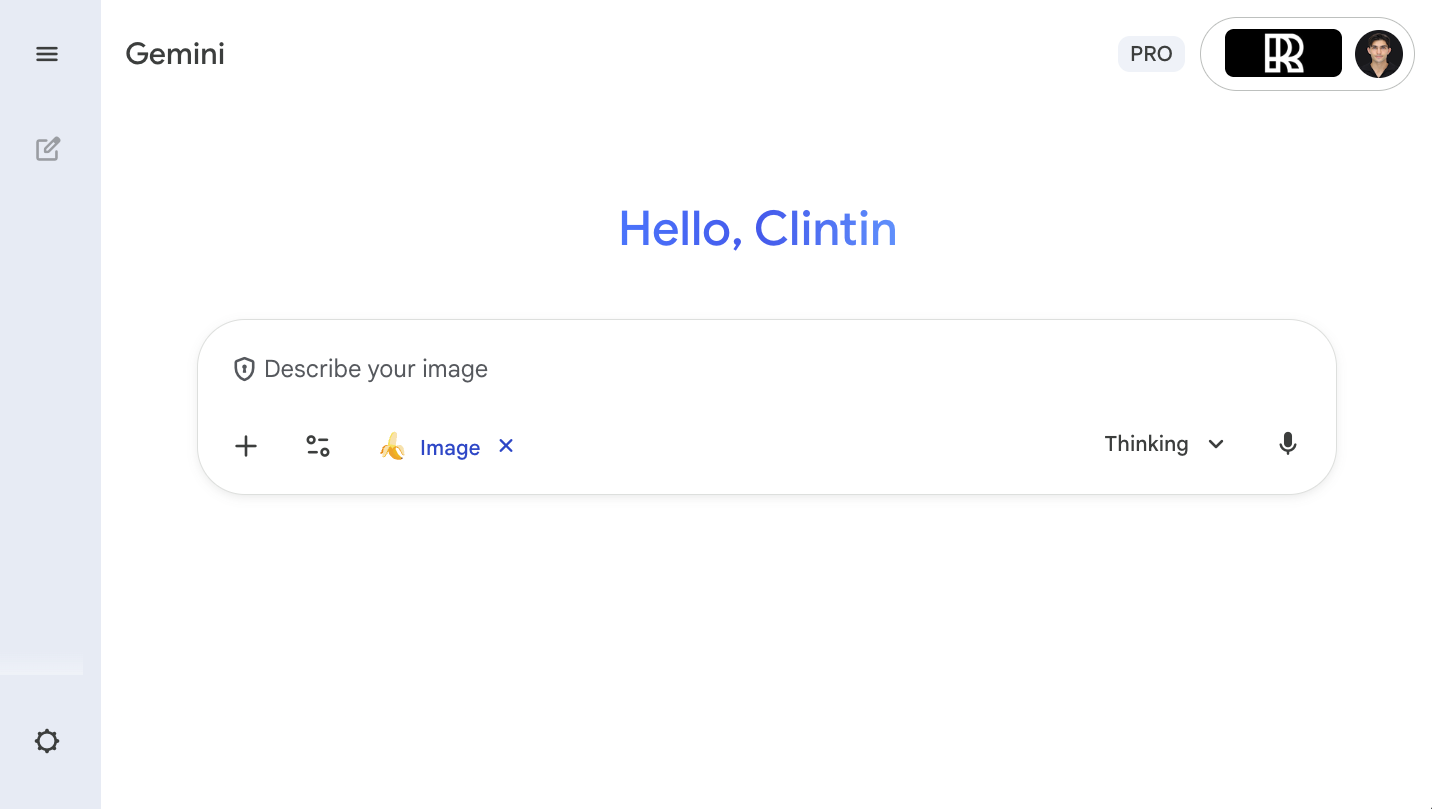
The Rundown : In this guide you’ll learn how to create a 9-image Instagram feed using Nano banana Pro. You’ll get a whole page of content from one image you input as inspiration. Who is this useful for: • Content creators needing fast, high-quality visuals to maintain a consistent posting schedule. • Marketers looking to produce branded assets without relying on a full design team. • E-commerce advertisers who want visually cohesive product campaigns for ads and storefronts. • Brand builders trying to establish a recognizable visual identity across social platforms. STEP 1: Getting started with Nano banana To begin generating your product visuals, go to Gemini. On the homepage: • Click Tools • Select Create Images • Ensure Pro mode is activated Once inside, gather one or more inspiration images of your product. These can be screenshots of ads, brand photos, or any visual reference that reflects the style you want to replicate. STEP 2: Describe your product and give inspiration Inside the image creation interface, upload your examples. Write a detailed description including: product type, colors, lighting, environment, style, camera angles, and any elements like people or animals. Example prompt used in the tutorial: “Create a 9-image Instagram feed for this product in the same aesthetic. Use different locations, compositions, angles, and incorporate animals, people, nature, and various environments while maintaining a cohesive visual style.” STEP 3: Curate the result from Nano banana Pro Click Submit to generate your 9-image grid. The system will process your examples and create a cohesive feed based on your reference style. Now it's your chance to review the 9-image grid. You can then request: “Recreate the image in position 8 as a standalone,” etc. This allows you to isolate and regenerate any single image for Instagram posting. STEP 4: Download and post to socials After generating individual images, open the one you like and download it directly. Repeat for each image you want to post. Pro Tip: This workflow lets you populate a full Instagram feed extremely quickly. It’s incredibly valuable for marketers and creators promoting physical products - especially across TikTok and Instagram. The more specific and visually aligned your examples are, the better the AI matches your desired aesthetic.

Save 15% on Thoughtly by joining The Runway University
Through our vast network of over 100 partnerships with major AI companies, we also offer University members free access or major discounts to the many popular AI tools along with AI certified courses, daily guides on AI tools and many more.
Tools


AI training for the future of work.
Get access to all our AI courses, hundreds of real-world AI use cases, live expert-led workshops, an exclusive network of AI early adopters, and more.