The Rundown AI / Guides / General / Turn SOP Training Documents Into Talking Head Training Videos
Turn SOP Training Documents Into Talking Head Training Videos

Turn SOP Training Documents Into Talking Head Training Videos

Try Text

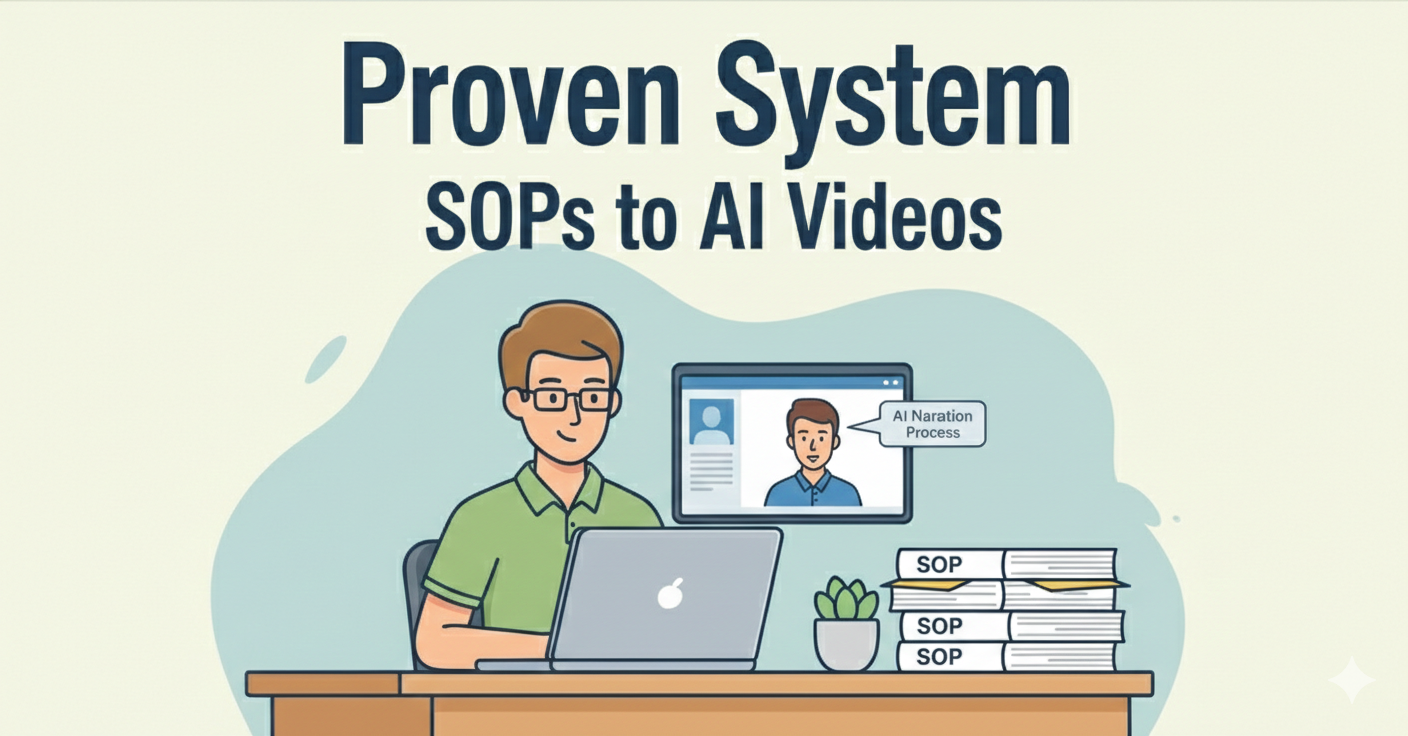
The Rundown In this guide, you will learn how to turn boring onboarding docs into engaging training videos narrated by an AI avatar. We tried a lot of tools and found the most efficient system for building quality AI training videos in bulk. Who This Is Useful For The ops manager  who spends 4-6 hours every quarter walking every new hire through the same processes and wants that time back The founder or team lead  with a Google Drive full of SOPs that nobody reads, who keeps answering the same questions on Slack The course creator or consultant  who wants to turn written frameworks into video modules without investing in a production setup What You Will Build A complete onboarding course library with 4-5 videos. What You Need to Get Started Synthesia  account ($29/month) 3-5 existing docs you want to convert Claude or ChatGPT to write scripts (free account is fine) Step 1 Build Your Script Pick 3-5 internal documents that new hires or clients always read. Good examples are: Mission statement Onboarding checklist Tool setup guide Team directory Role-specific processes or workflows Drop a file into Claude or ChatGPT with the prompt: “ Turn this into a two to three-minute training video script for an AI generated avatar. Include timestamps and shots. Only include text overlays with bullets. The avatar can be seated, standing, head-on, etc." 💡Pro tip: It’s a good idea to break each document into simple concepts like “How we use Slack” or “Notion setup guide”. Step 2 Save the Script Copy the final script from Claude. Open a text editor (VS Code, Notepad, TextEdit) and paste it in. Save it as  [your-topic]-script.txt . Synthesia requires either a TXT or PDF file, so don't skip this step. Step 3 Synthesia Go to  Synthesia.io  and log into your account. We found that a starter plan ($29) was good for 8-9 videos. Click  Create New Video Choose  Create from AI  (this works better than using the templates). Drag and drop your  .txt  script file into the upload area Set the  Duration  to match your script This is important: Click the  Objective  and  Audience  buttons in the sidebar: Objective:  Describe what this video teaches (e.g., "Onboarding training for new team members on our communication workflow") Audience:  Who are they? (e.g., "New team members joining our marketing department") Language:  English (or your language) Step 4 Edit Scenes and Add Your Logo (Optional) Pick a  Template  that looks clean. Any of the professional-looking ones should work, regardless of how they are named. Click  Create Outline.  Synthesia will lay out your scene outlines with descriptions and bullets. Once the video is generated, you won’t be able to edit it. So make sure you review the outline carefully. Click  Continue  when you’re ready. You will see a detailed outline with preview images. 💡Pro tip: If you click  Open in Editor  you can swap in your own logo into the template. Step 5 Generate the Video When you’re happy with the outline and scenes, click Generate. Remember, once you click this, those tokens are spent and you cannot edit this video anymore. It will take 10-25 minutes for your video to generate. In our experience, the generation time usually went under what Synthesia predicted. When your video is ready you have two options: Download the video as an MP4 Create an embed link We recommend you always download the MP4s as backups. Using MP4s instead of embed links also means you can cancel your subscription and save money. 💡Pro tip: If you're embedding in Notion, Synthesia videos show up beautifully with chapters and captions. Your team can watch right in Notion without leaving. Going Further Rinse and repeat this process with the other documents you pulled. Embed all of them into one Notion page or Google Doc. Now you’ve got a one-pager for onboarding. You can use templates to create interactive videos and quizzes. These can be useful, but be careful: these cannot be downloaded, only embedded. So you will have to keep your Synthesia subscription active for them to work.

Save 15% on Thoughtly by joining The Runway University

Through our vast network of over 100 partnerships with major AI companies, we also offer University members free access or major discounts to the many popular AI tools along with AI certified courses, daily guides on AI tools and many more.

Tools

No items found.

AI training for the future of work.

Get access to all our AI certificate courses, hundreds of real-world AI use cases, live expert-led workshops, an exclusive network of AI early adopters, and more.
General