Exploring How Comet Works (Perplexity’s AI Browser)
Try Text
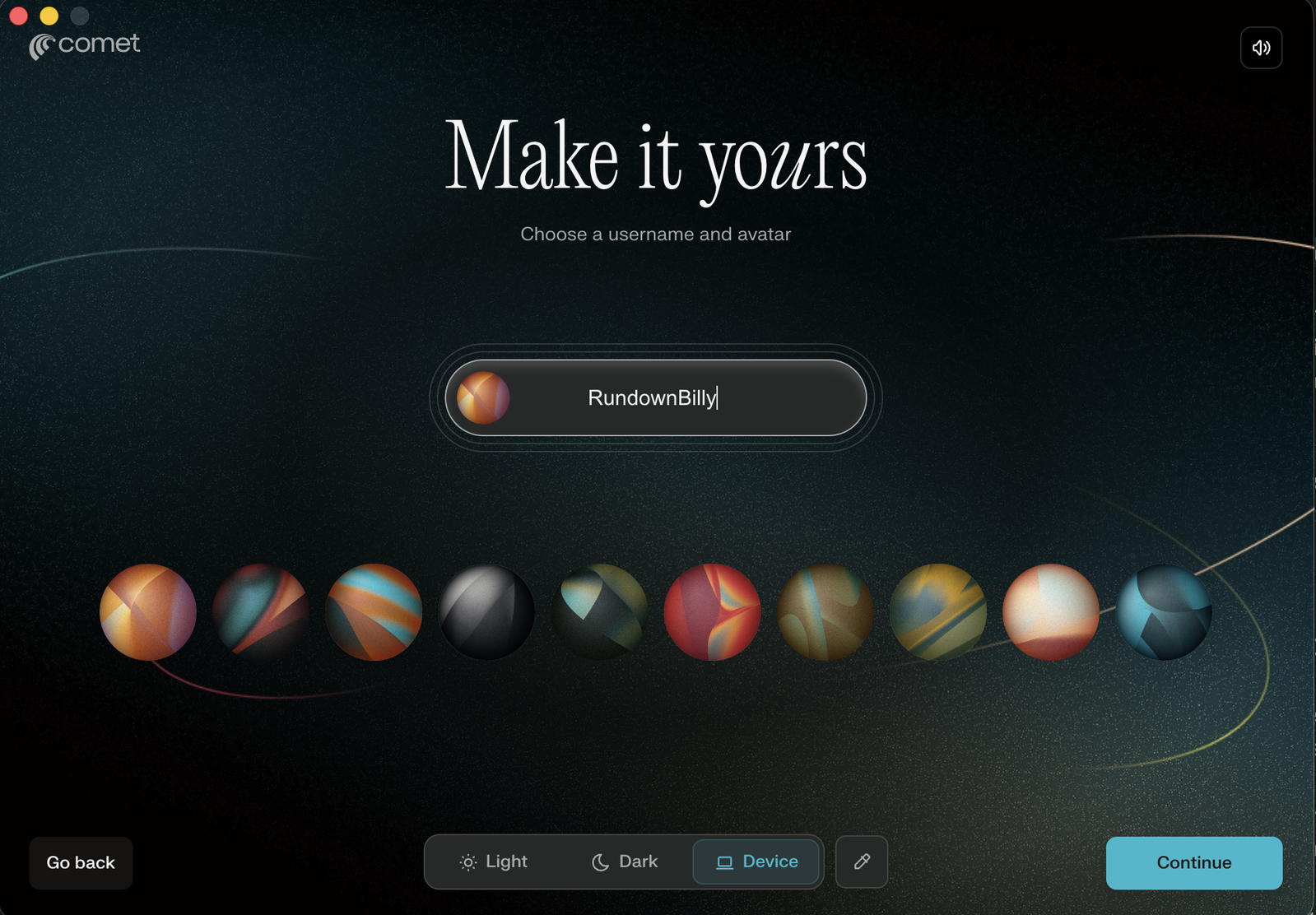
The Rundown In this guide you will learn the basics of Comet, Perplexity’s new AI browser. We go over what you can accomplish with a free vs. paid plan and run through a preview of 3-4 useful workflows. Who This Is Useful For Researchers who want relevant citations Shoppers who want to find the best deal without manual effort Anyone who needs a virtual assistant that’s easy to use What You Need to Get Started Perplexity’s Comet browser Free or Paid Perplexity subscription Step 1 Setup Install the Comet desktop app here . Follow the onboarding instructions. Turn your volume up for great music. Pro tip: Ignore the bit about making it your default browser to block ads. It blocks ads even if it’s not your default browser. Step 2 Quick Tour of Comet The sidebar and top right of the navbar are where your tools are. Sidebar Features Library - a list of your chat history Discover - similar to the front page of an AI newspaper. You can customize which trends you are interested in. Spaces - w here you can build Perplexity agents with custom context. Context can be documents, MCP tools, links and instructions. Finance - a mix of Yahoo stocks and Bloomberg Terminal but with AI. More - additional tools you can add to your sidebar. Navbar Features Summarize this webpage - press the button with three lines or press ⌥ + s (option + s) to open a new assistant that will summarize whatever page you’re on. This might be the most useful feature in the browser. Launch Voice Mode - the sound-wave button or ⌥+shift+V will open an assistant in voice mode that can interact with the page and do tasks for you. Assistant - the assistant button will pop open the assistant on the right side. The assistant can take control of your browser tab and do tasks for you. Step 3 Test Your First Template Click on Spaces→Templates Choose a task to try. I recommend Trip Planner Pro. Put in a prompt like “Plan me a trip from [starting city] to [destination city] on [dates].” The templates are like custom GPTs but a little more predefined. For example the trip planner will sometimes, but not always, give you a form to select choices like budget and activities before it starts research. Try a couple prompts to see what you get. Pro tip: There’s a “Get Started with Perplexity” template that can help you learn how to use it better. Step 4 Your First Workflow Go to a retailer like Amazon or Walmart. Open Assistant with ⌥ + a or clicking in the top right corner. Try a prompt like this: Find a computer mouse with 5k+ reviews averaging above 4.5 stars for under $60 and add it to my cart. You should see a blue overlay appear on your browser window. This means Perplexity is controlling your tab. Going Further To get the most out of Comet you need to set up a few integrations and services. We recommend clicking on your profile icon and setting up Assistant, Connectors and Purchases. “Purchases” lets Perplexity use your credit card to make purchases on your behalf. You can track packages in the purchases menu. Comet has a similar menu with travel reservations too.
Tools

AI training for the future of work.
Get access to all our AI certificate courses, hundreds of real-world AI use cases, live expert-led workshops, an exclusive network of AI early adopters, and more.