The Rundown AI / Guides / General / Stress Test Any Business Idea With One Perplexity Prompt (Runs for Free)
Stress Test Any Business Idea With One Perplexity Prompt (Runs for Free)

Stress Test Any Business Idea With One Perplexity Prompt (Runs for Free)

Try Text

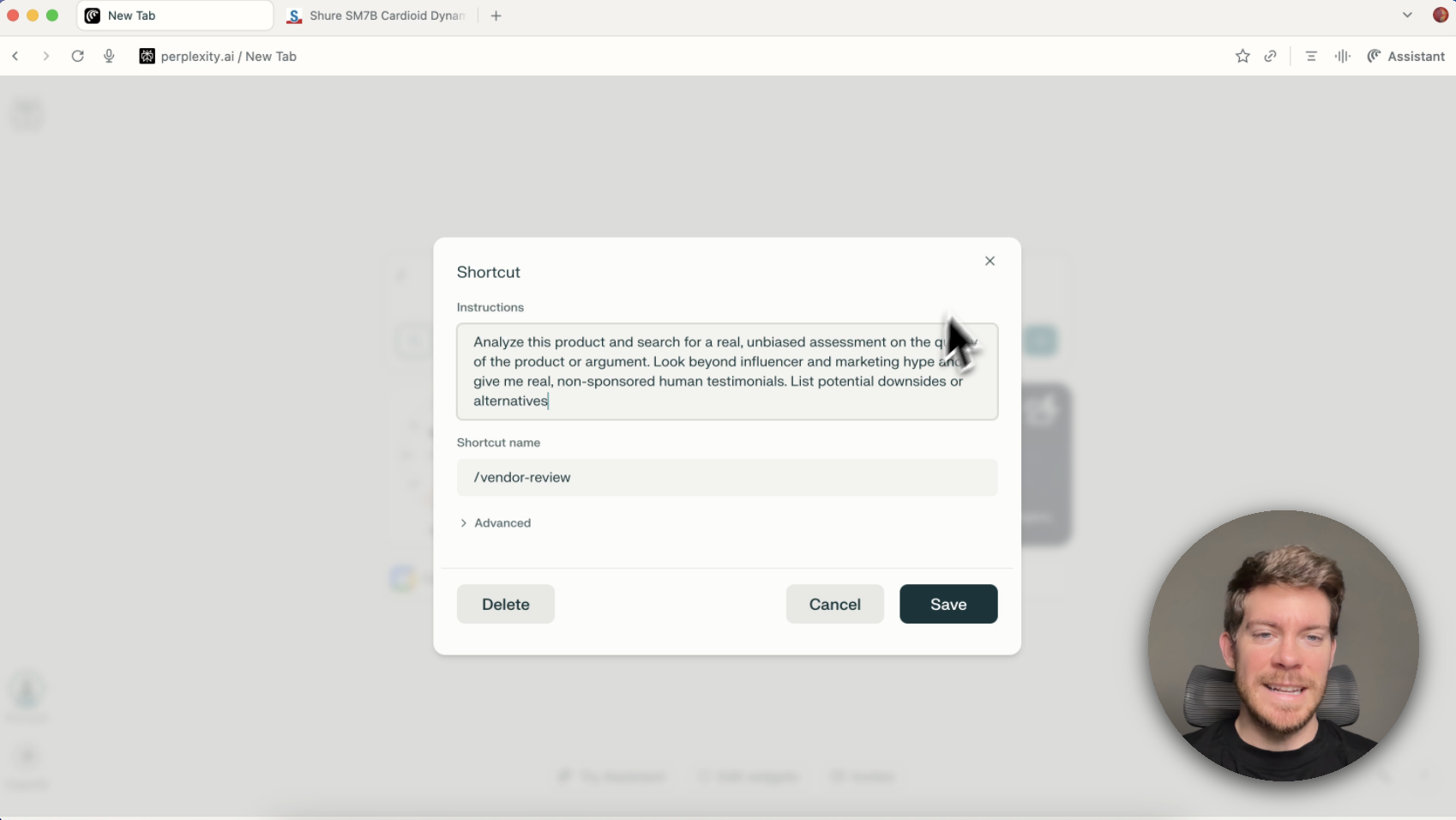
The Rundown In this guide, you will learn how to use one Perplexity Deep Research prompt to stress test any business idea and turn it into a presentation with market research, a SWOT, key risks, and a final verdict. The real win is that you only have to build the prompt once. Save it, rerun it on every idea you have written down, and get to a much faster go or no-go decision. Who This Is Useful For Founders with a backlog of half-tested ideas Consultants or operators who need a fast first-pass viability check Anyone who wants a sharper go or no-go decision before building What You Will Build One reusable Deep Research prompt that turns a rough idea into a 10-slide presentation. The output covers TAM, competitors and pricing, a SWOT, v1 build cost, sourcing and tooling, founding team, GTM wedge, top risks, 30/60/90 milestones, and a final green, yellow, or red verdict. What You Need A Perplexity account (free is fine, you get 5 Deep Research queries a day) One business idea written as a short paragraph A customer and rough price point Somewhere to save the prompt when it works Step 1 Write the Idea Clearly Before you open Perplexity, write the idea in one paragraph. Keep it concrete. Name the customer, the problem, the offer, and why it is possible now. Use this format: *Idea: An AI powered [thing] that gives [target customer] a [job to be done] for [price point]. It [key behavior 1], [key behavior 2], and [key behavior 3]. It serves [customer] who can't afford [expensive alternative] but want more than [cheap alternative]. It is possible now because [the unlock, often "long context AI agents" or "the cost of inference dropped"].* The price point matters more than most people think. It forces the research to stay grounded. Step 2 Run One Deep Research Prompt Open Perplexity and switch to  Deep Research . You get 5 deep research prompts a day on a free plan. Paste in your idea and ask for the full validation deck in the same run. Use this prompt: *I am evaluating this business idea: [paste your one paragraph idea here].* *Build me a 10 slide presentation that visually SWOTs it and tells me if it is worth pursuing. Cover: TAM, top competitors and pricing, a SWOT matrix, v1 cost to build, sourcing and tooling stack, founding team, GTM wedge for the first 100 customers, top 3 risks, 30/60/90 day milestones, and a one paragraph verdict with a green/yellow/red signal. Cite every claim and prioritize sources from the last 12 months.* Pro tip: Regular Perplexity searches won’t create docs in one shot. You can ask deep research to make decks or memos and it will create them. Step 3 Let It Run Hit run and leave it alone for 5 to 6 minutes. Perplexity handles the research, structures the answer, and generates the presentation. When it finishes, you may see more than one version of the deck. In our test, Perplexity generated a rough low-res version and a cleaner animated one. Open the cleaner one first if both appear. Then go straight to the verdict slide and the SWOT slide. Those two slides tell you whether the rest of the research is a roadmap, a warning, or a clean kill. If the output looks thin, rerun the exact same prompt with a sharper idea paragraph. Weak input is usually the problem. Step 4 Save It and Reuse It Once you get a good run, save the prompt somewhere you you will actually find it again. Rerun it on every idea you have written down. Change the paragraph at the top, keep the structure the same, and you get a fast validation pass every time. If you end up using this often, create a dedicated Space for business ideas and keep the prompt there as the default instruction. Then future runs become much lighter. You can just tell Perplexity to use the saved prompt on a new idea instead of rebuilding the workflow from scratch. The point is to stop treating idea validation like a two-week project. Save one good prompt, run it every week, and let the verdict slide tell you what deserves more of your time. Going Further Once the main prompt works, make a few variants: A shorter version for a co-founder pitch A side-by-side version for comparing two ideas A 90-day MVP version for ideas that already look promising A Perplexity Space that stores the prompt so you can reuse it without pasting the full thing every time A scheduled run that forces you to chew through your idea list every week

Save 15% on Thoughtly by joining The Runway University

Through our vast network of over 100 partnerships with major AI companies, we also offer University members free access or major discounts to the many popular AI tools along with AI certified courses, daily guides on AI tools and many more.

Tools

No items found.

AI training for the future of work.

Get access to all our AI certificate courses, hundreds of real-world AI use cases, live expert-led workshops, an exclusive network of AI early adopters, and more.

General

Business Operations