The Rundown AI / Guides / General / Learn Any Subject with Custom NotebookLM Podcasts
Learn Any Subject with Custom NotebookLM Podcasts

Learn Any Subject with Custom NotebookLM Podcasts

Try Text

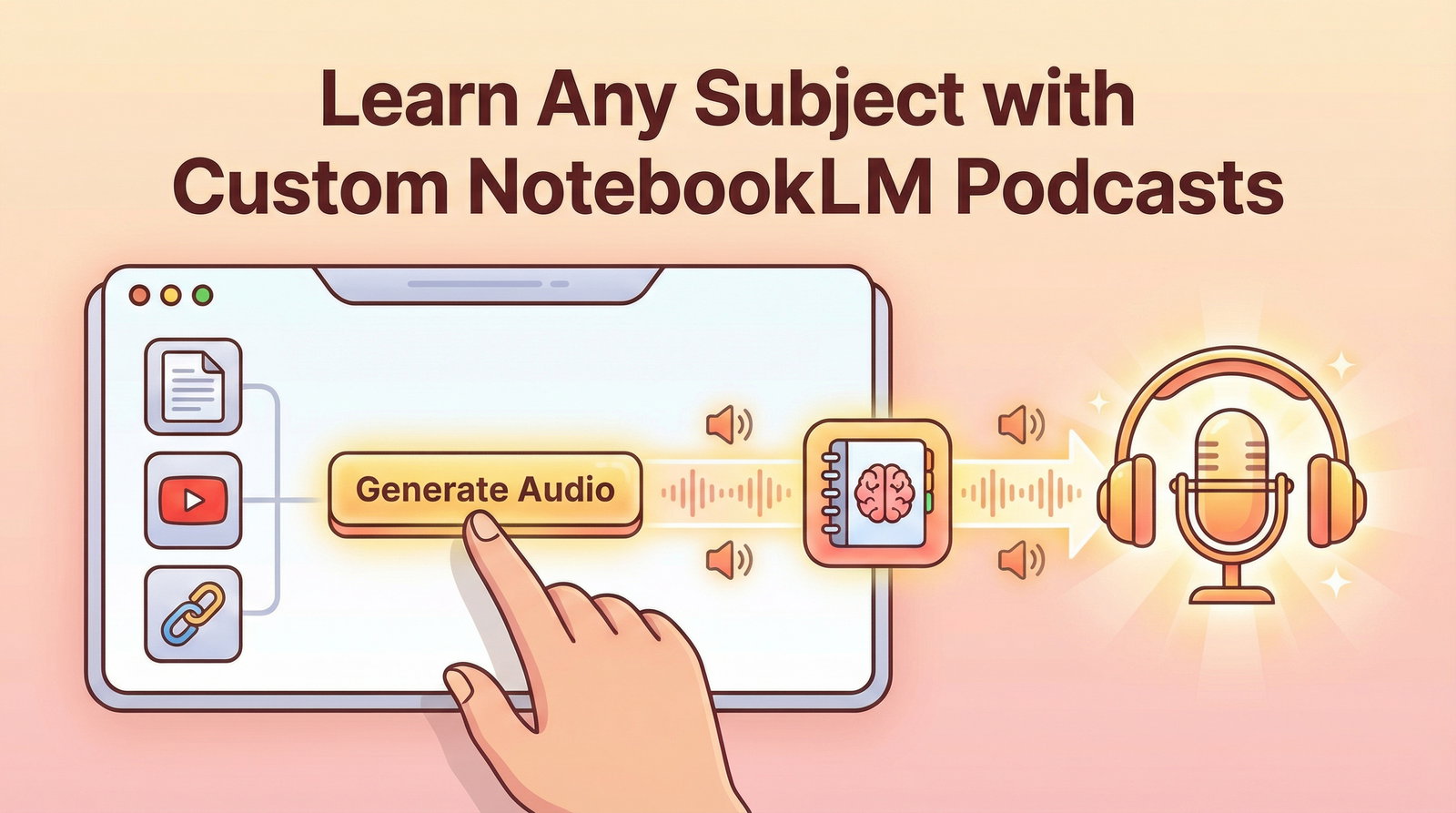
The Rundown In this guide you will learn how to generate a podcast on any topic you want to learn about using Google’s NotebookLM. If you learning with audio, this will become your go-to way to parse the infinite amount of inbound information you receive each day. Who This Is Useful For Entrepreneurs who want to stay on top of the latest news in their sector Newsletter readers who are a couple issues behind Anyone who wants a process for learning about new topics What You Will Build A NotebookLM Notebook (project) with learning tools tailored to your sources and prompting. What You Need to Get Started A gmail or Google Workspace account Google AI Plus ($20/month) will get you more sources per notebook and more daily generations. Details on limits  here . Step 1 Pick a topic you want to learn about. For this demo we went  wikiroulette.co  and hit shuffle until we found an interesting topic. But you can use any website, topic or file as a source. It’s a good idea to start with at least 2-3 sources. You can also attach any kind of document from your Google Drive. 💡Pro tip: You can link to any YouTube video and NotebookLM will use it as a source! Some good use cases you can try: Earnings call transcripts to learn about stocks Summarizing Youtube tutorials from your watchlist (hopefully not ours!) Learn the capabilities of any coding documentation Summarize last month’s client deliverables from your Google Drive Step 2 Go to  notebooklm.google.com . Create a new notebook. Add in your links and documents as sources. Remember, you can easily move sources in and out of the AI’s context window by checking/unchecking them on the left toolbar. Step 3 Next click Audio Overview on the right under “Studio”. It can take 5-10 minutes to generate. You can also generate: Flash cards Slide decks Videos (podcast + powerpoint slides) Quizzes Mind maps Reports (briefing doc is very useful) Infographics Data tables Step 4 Now that your podcast is generated, you can click the three dots to download it and AirDrop the mp3 to your phone. Or you can hit play to listen to it in your browser. There's also a NotebookLM mobile app you can use. 💡Pro tip: Hit the “Interactive” button to call in to the podcast and ask the hosts specific questions. Going Further To catch up on the Rundown AI you can copy the links to each  newsletter  and paste them as sources and generate a podcast. Try selecting just one newsletter and prompting NotebookLM to do a deep dive on the companies and news mentioned in it. Then you can click the “Audio Overview” button to generate a podcast on just that content.

Save 15% on Thoughtly by joining The Runway University

Through our vast network of over 100 partnerships with major AI companies, we also offer University members free access or major discounts to the many popular AI tools along with AI certified courses, daily guides on AI tools and many more.

Tools

No items found.

AI training for the future of work.

Get access to all our AI certificate courses, hundreds of real-world AI use cases, live expert-led workshops, an exclusive network of AI early adopters, and more.
General